
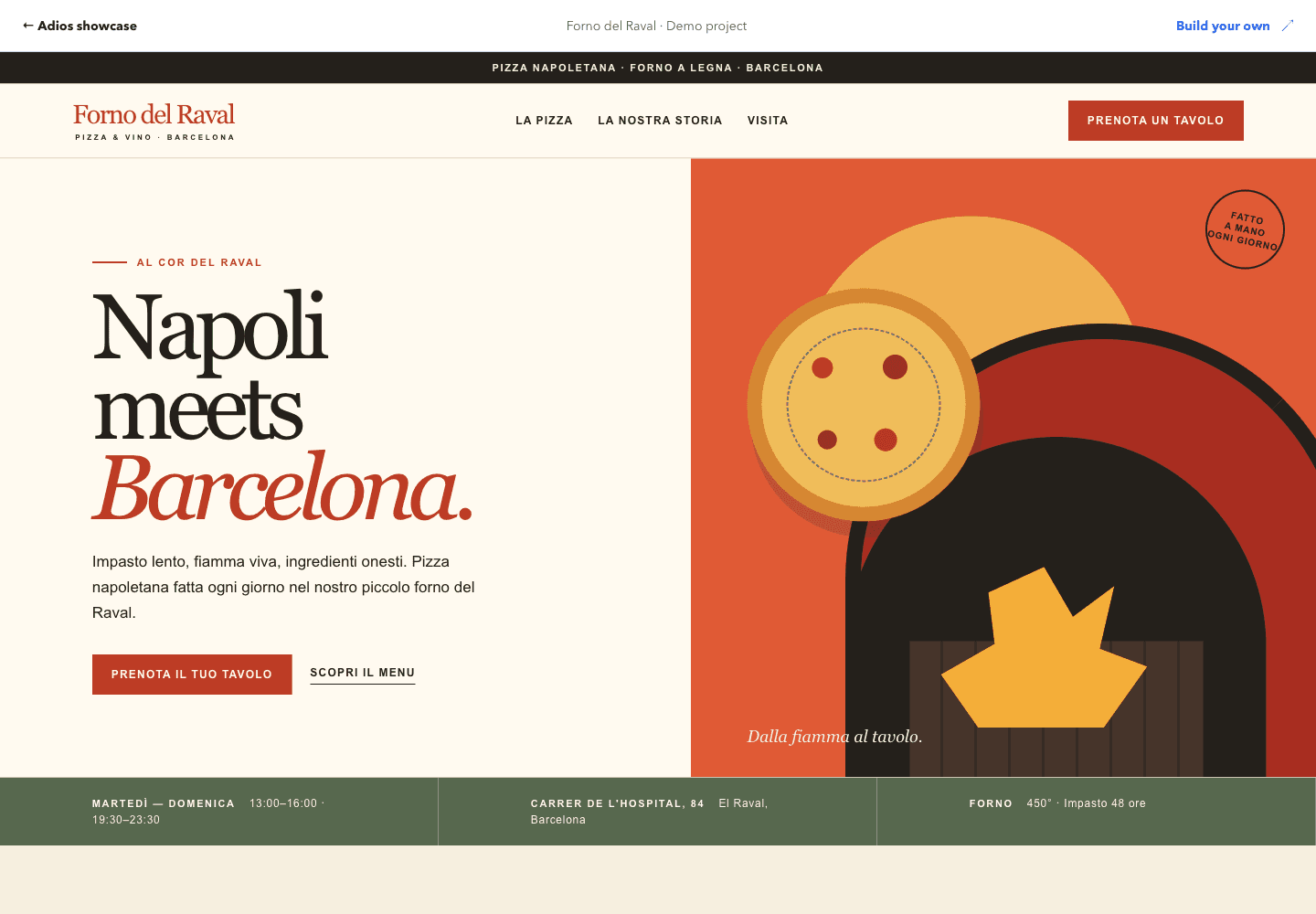
Runs its frontend and backend together on Adios after moving from Kubernetes on AWS.
ADIOS / CLOUD HOSTING FOR APPS BUILT WITH AI
It works on localhost.
Now ship it.
Tell Claude, Cursor, or Codex to deploy. Adios builds your app in an isolated cloud workspace, gives you a preview to check, and puts it live with HTTPS when you approve.
Free workspace with preview URLs. Always-on hosting from $10/month.
your AI + Adios
Works with the AI you already use.
BUILT ON ADIOS
Real companies.
Running on Adios.
- Your AI can write the app.
- So it should ship it too.
- So it needs a safe place to run.
- That place is Adios.
Older clouds were built for people clicking through dashboards. Adios is built for the way you work now: you ask, your AI ships.
FROM YOUR EDITOR TO THE CLOUD
Code in Codex.
Go live on Adios.
Connect Codex to Adios through MCP. Ask it to deploy your app, approve the deployment, and Adios handles the build and hosting. Open the URL to see your app running.
Codex~/restaurant
$ codex
Adios connected via MCP
Deploy this app on Adios.
Deployment approved
Build complete
Deployment healthy
Your app is live.
https://your-app.exampleOpening browser preview…
https://your-app.example
See the rest of Adios in short demos. No account needed.
BEFORE YOU SHIP
The things that stop you from shipping, handled.
- “What if my AI runs something that breaks my computer?”
- Your app runs in the cloud, not on your laptop.Builds, previews, and deploys happen in an isolated Adios workspace with its own resource limits.
- “What if I wake up to a huge cloud bill?”
- Fixed monthly plans.Start free with no card. Always-on hosting starts at $10/month, and your plan sets the resources, so a busy AI doesn’t mean a surprise invoice.
- “I don’t know servers, databases, or networking.”
- You don’t need to.Ask your AI for a database or file storage. Adios runs it next to your app and connects them over a private network.
- “I’ll leak my API keys.”
- Secrets stay out of your code.Store keys in Adios and your app reads them when it runs. They never land in Git.
NOT ANOTHER APP BUILDER
Not another AI app builder. The cloud underneath.
App builders give you their AI inside their editor. Adios works the other way around: use any AI you like, keep your code, and run it on real infrastructure from the first deploy.
| Question | AI app builders | Adios |
|---|---|---|
| Who writes the code | The builder’s own AI | Any AI you choose: Claude, Cursor, Codex, ChatGPT |
| Where your code lives | Inside their editor | Your repo, editable anywhere |
| What you can run | Mostly web apps | Apps, APIs, workers, Postgres, Redis, and storage |
| When the project gets serious | Move it somewhere that can host it | You’re already on the cloud that runs it |
THE CLOUD BEHIND YOUR PRODUCT
Your whole stack,
hosted.
Web apps, APIs, databases, and background jobs. Bring your code and run the services behind your product together on Adios.
Full-stack apps · WebSockets · Long-running processes
YOUR PRODUCT / ADIOS CLOUDExample stack
Your domain. HTTPS included.
Connect your domain. Adios manages TLS certificates and routes traffic to your app.
Domains & TLSSee how your app is running.
Follow build and runtime logs, check application health, and inspect your releases.
Logs & healthKeep internal services private.
Connect apps and databases through private service addresses on your network.
Private networkingKeep credentials out of Git.
Manage secrets separately from source and supply them to the builds and services that need them.
Secrets & configurationPrefer the terminal?
Everything your AI does, you can do yourself. Deploy from Git or the CLI, describe your stack in adios.yaml, and connect services over a private network.
# adios.yaml describes your app and its services
$ adios up
✓ source uploaded
✓ build finished
✓ postgres ready
✓ health check passed
✓ release promoted, HTTPS on
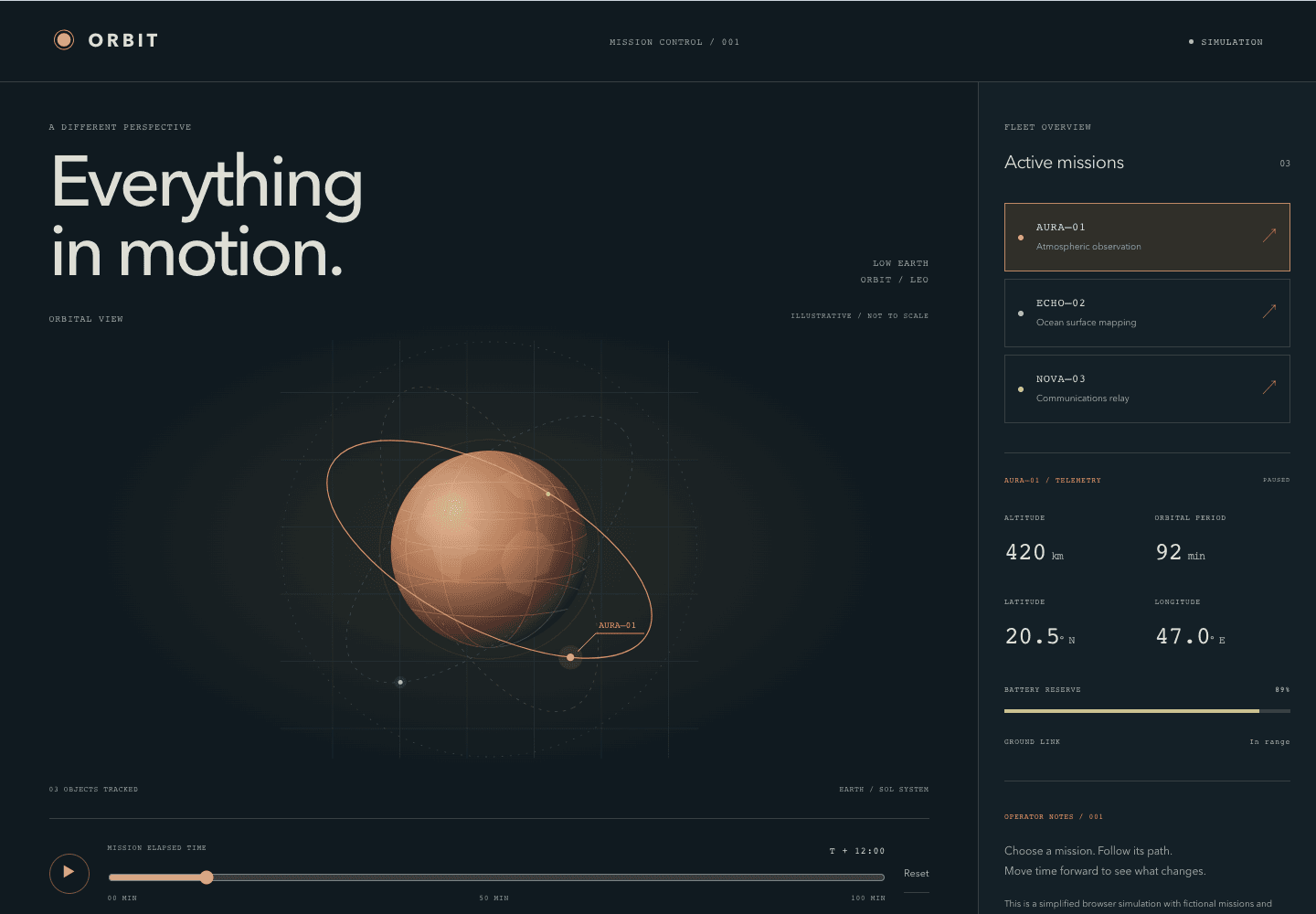
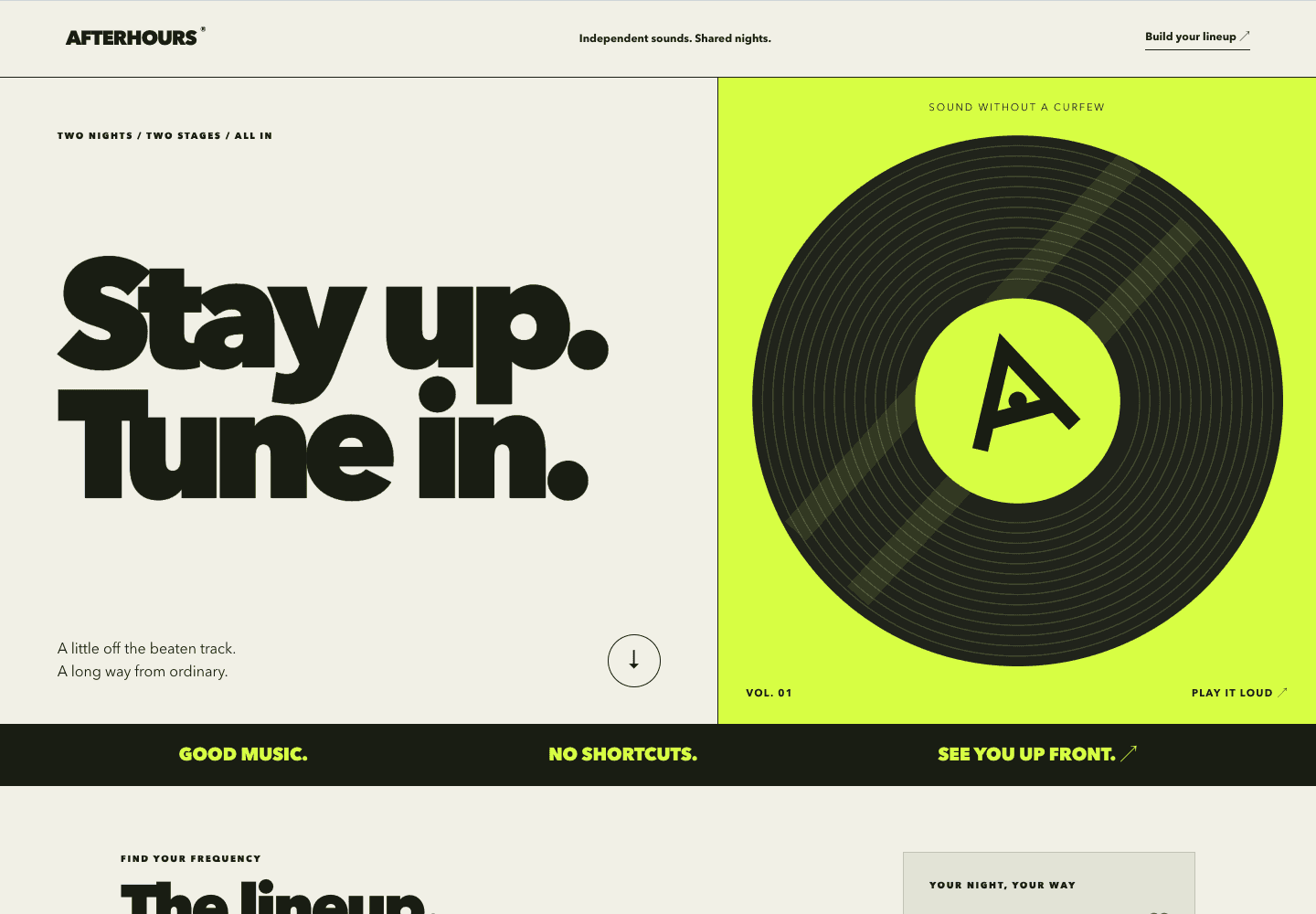
SHOWCASE
Built with AI. Live on Adios.
Open any of these and try it. No account needed.
Open the showcase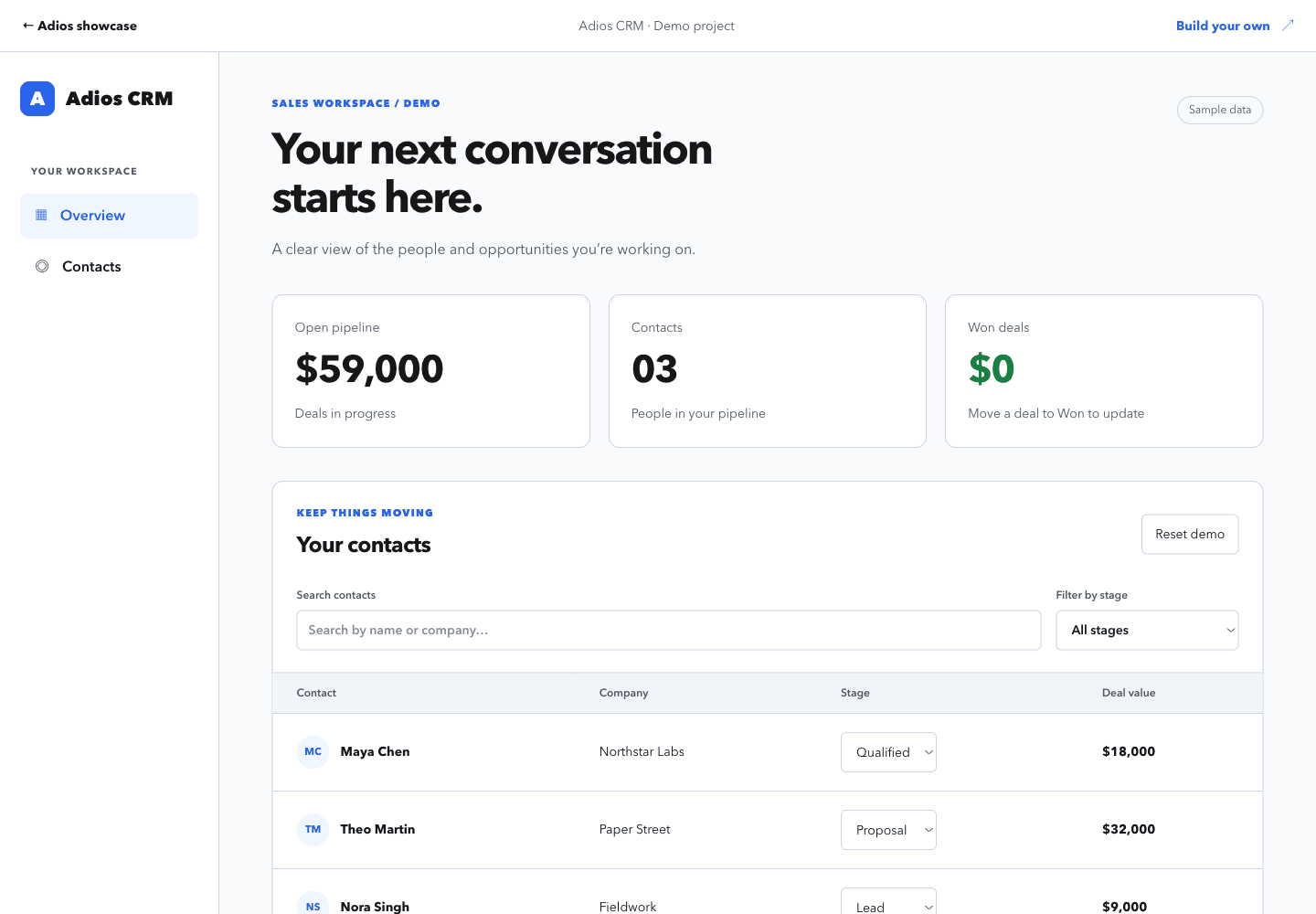
START SMALL. KEEP BUILDING.
A free workspace.
A plan for what’s next.
Build and preview before choosing production hosting. Every plan includes the workspace and tools; your hosting plan sets the resources for your stack.
Compare all plans and limitsFree
$0/month
Build, test, and open your preview.
- Workspace and preview URLs
- Use your AI API key or connect Codex
- No card required; verify your email
PlusPRODUCTION HOSTING
$10/month
Keep your first app running.
- 1 vCPU and 1 GB RAM
- Custom domains and TLS
- 500 GB included bandwidth
What is Adios?
Adios is cloud hosting for apps built with AI. Connect Claude, Cursor, Codex, or ChatGPT through MCP, ask it to deploy, and Adios builds your app, gives you a preview, and runs it in production with HTTPS when you approve.
Do I need to know servers or DevOps?
No. Your AI prepares the build and runtime configuration, and Adios runs the app, databases, and storage for you. You review the preview and approve what goes live.
Which AI tools work with Adios?
Codex, Claude, Claude Code, Cursor, ChatGPT, VS Code, GitHub Copilot CLI, and other MCP clients. You can also use the AI assistant in your Adios workspace, Git, or the CLI.
Is it safe to let my AI deploy?
Your AI works in an isolated Adios workspace, not on your machine, and access is scoped to your account and team. Agent-assisted production deployments require your approval.
What does it cost?
The free workspace lets you build and test with preview URLs, no card required; the Free preview sleeps after 4 hours idle. Always-on hosting with custom domains starts at $10/month on fixed plans.
Can I bring an app I already built?
Yes. Bring an existing repository or local source in Next.js, Node.js, Python, Go, PHP, Ruby, or .NET. Your code stays in your repo and editable anywhere.
YOUR NEXT DEPLOY STARTS HERE
Works on localhost? Ship it tonight.
Connect your AI, say “deploy this,” and share the link. Upgrade for production from $10/month.
Free workspace. No card required. Verify your email. See plans and limits →
14-day money-back guarantee on your first paid hosting plan.